
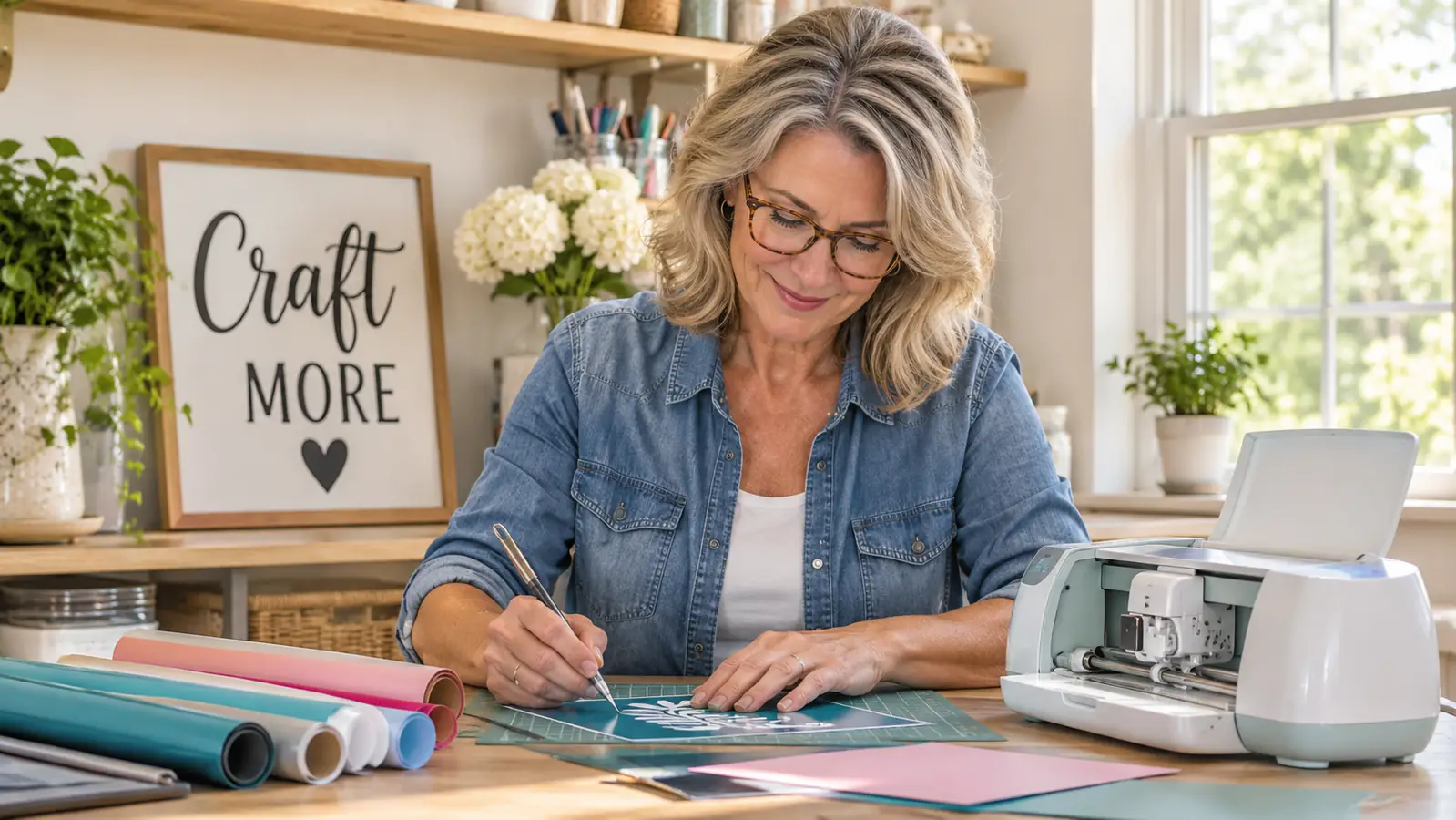
I have a confession: I bought the Cricut Joy Xtra mostly because my craft room was overflowing with half-finished wreaths and I wanted to make vinyl signs without driving to the print shop every time I misspelled a word. I am Marlene, I have been crafting for about 25 years, and I am not what you would call tech-savvy. So when I unboxed this little cutting machine, I expected a steep learning curve. What I got instead was a machine that has earned a permanent spot on my folding table.
The Cricut Joy Xtra is the middle child of the Cricut family. It is bigger than the original Joy, so it can cut longer pieces of vinyl, but it is still small enough to tuck on a shelf when I need the table for a wreath project. After months of using it for vinyl signs, cardstock flowers, labels, and stickers, I have strong opinions. Here they are.
The Quick Verdict
If you want a cutting machine that fits on a corner of the table, cuts 50+ materials, and does not require a second bedroom to store, the Cricut Joy Xtra is the one I would pick.
Amazon Check Today's Price →See today's price on Amazon
The Cricut Joy Xtra bundle includes the machine, Fine-Point Blade, Fine Point Pen, Mini Weeder, and a welcome card, so you can start your first project the day it arrives.
Amazon Check Today's Price on Amazon →How I've Used It
I have had the Cricut Joy Xtra on my craft table since the beginning of the year, and it has been through the full cycle of how I actually craft. I made a set of vinyl labels for my spice jars, which is the project that convinced me I needed one in the first place. I cut layered paper flowers for a spring wreath. I made a birthday banner for my granddaughter, then a second one when I realized I had spelled her name wrong the first time. That second banner cost me nothing but a sheet of cardstock, which is exactly why I wanted this machine. The spice labels were the project that sold me. I have a shelf of about twenty spice jars that all looked alike, and I had been squinting at the tops for years. I typed the names in a clean script font, cut them on a sheet of adhesive vinyl, and weeded each one out with the Mini Weeder. It took me a slow evening the first time. The second jar took half as long, and by the tenth jar I could have done it in my sleep. They have been on the jars since February, and not one edge has peeled.
I have also used the Print-Then-Cut feature with my inkjet printer to make full-color stickers for the church bazaar. That is the feature I was most nervous about, because it asks you to line up a printed image with a cut line, and I am the person who cannot hang a picture straight. It worked, and it worked the first time. I will tell you exactly how in a minute. The stickers were little round ones, about two inches across, for the bazaar's jam and jelly table. I made forty of them in one sitting, and the machine cut every circle cleanly. That was the moment I stopped treating the machine like a fancy toy and started treating it like a tool.
The machine itself is light. The listed item weight is 250 g, which means I can carry it from the craft room to the kitchen table without asking Ron for help. It is powered by a USB cable and a power adapter, both included, and it connects to my computer, tablet, and smartphone. I mostly use it with my laptop, because that is where my projects live. When I am working on a big wreath and need the whole table, the machine goes up on the shelf above the pegboard. It takes me about two minutes to set it back up. There is no permanent setup to tear down, which matters more to me than any other feature on the list.
What It Cuts and How It Feels
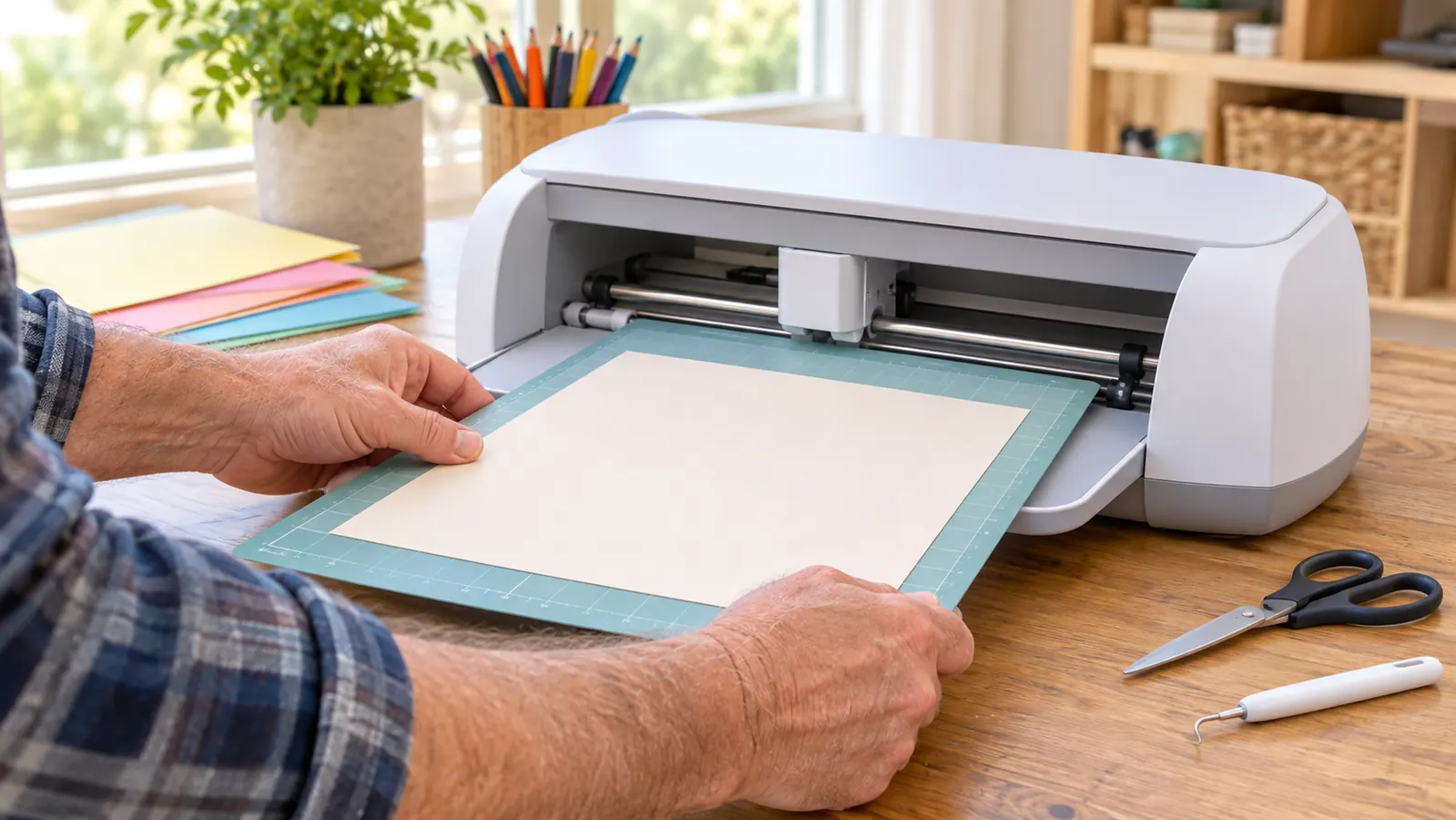
The Cricut Joy Xtra works with more than 50 materials, including vinyl, iron-on HTV, cardstock, and stickers. In practice, that means I have cut paper, vinyl, and iron-on in the same week without changing anything except the blade settings in the app. The Fine-Point Blade handles the everyday stuff, and the bundle includes a Fine Point Pen, which lets the machine draw as well as cut. I used it to write the names on my spice labels instead of printing them, and it looked like neat handwriting instead of my actual handwriting. The iron-on project was a tote bag for my neighbor's birthday. I cut her initial in a chunky font, pressed it with my home iron, and it has survived three trips to the farmers market and at least one wash. I was nervous about iron-on because it feels permanent, but the machine cut it exactly the way it cuts vinyl. The only difference was the settings and the mirroring, which the software handles for you.
The active surface area is 95.94 sq in, which sounds small until you realize what it means in real life. I can cut a vinyl decal that runs the length of a serving tray, and I can cut a full sheet of cardstock for banners and flowers. The original Joy was too short for some of my projects, which is why I never bought one. The Joy Xtra is the size I actually needed. The serving tray decal is a good example. The tray is fourteen inches long, and the decal runs almost the whole length of it. On the original Joy, I would have had to piece it together in two parts, and you would have been able to see the seam. On the Joy Xtra, it cut in one piece. I have also cut a full sheet of cardstock for a set of paper flowers, and the petals all came out identical, which hand cutting never gives you.
One thing that surprised me is how quiet it is. I expected a machine that sounded like a lawnmower. Instead, it makes a soft whir and a gentle clicking while it cuts, and Biscuit, my beagle mix, sleeps right through it under the craft table. He usually wakes up for the crinkle of vinyl, but the machine itself does not bother him. I have cut projects in the evening while Ron watches the news in the next room, and he has never once asked me to turn it down. That is the real test of a craft machine's noise level in my house.
Print-Then-Cut: The Feature I Feared Most
The Print-Then-Cut feature is what separates this machine from a plain vinyl cutter. You print your full-color design on your inkjet printer, place the printed sheet on the cutting mat, and the machine reads the registration marks and cuts around your design. I used it for stickers, and I used it for a set of gift tags with photos on them. The gift tags were for Christmas. I printed a photo of the kids on each one, added their names in the corner, and the machine cut around the whole design. I made twelve of them while watching a movie, and I wrapped every present with a tag that looked like it came from a boutique instead of my kitchen table. My daughter-in-law asked where I had them printed, and she did not believe me when I said I made them.
The first time I tried it, I was certain I would waste a whole sheet of sticker paper. I did not. The machine found the marks and cut cleanly around each sticker. The second time, I forgot to change the printer setting to the right paper type, and the ink smeared. That was my fault, not the machine's, and it is the kind of mistake you only make once. The registration marks are the key. The machine reads them before it cuts, so as long as you load the mat straight, it finds the design. I have loaded the mat slightly crooked more than once, and it still cut correctly. The one thing I do now is wipe the mat with a lint roller before I place the printed sheet, because dog hair and sticker paper do not mix.
The bundle includes 30 premium digital images, which gave me a head start on projects while I was still learning. I also appreciate that the included components list the machine plus digital content, so you are not paying extra for a bunch of physical samples you will never use. I used the included images for my first practice projects, and they gave me a way to learn the software without designing anything from scratch. By the time I ran out of ones I liked, I was confident enough to make my own.
The Print-Then-Cut feature was the one I was most nervous about, and it is the one that has saved me the most times. I have made three rounds of stickers for the church bazaar and every single sheet cut clean.
What Frustrated Me
I want to be honest, because every review should have a real 'here is what annoyed me' section. The first thing is the app. The Cricut design software is powerful, but it has a learning curve, and I am not a person who enjoys learning new software. I spent the first evening watching tutorials and muttering under my breath. By the second project, I had it figured out. By the third, I was comfortable. Give yourself one evening to be frustrated and you will be fine. The confusion was mostly about where things live in the software. It took me a while to find the setting that tells the machine to use more pressure for thicker cardstock, and I remember saying out loud, 'this is not where that should be.' But once I found it, I wrote it down, and now I never hunt for it. The tutorials that helped most were the short ones that show one specific task, like loading the mat or changing the blade.
The second thing is the Mini Weeder. It is included, and it works, but I have small hands and I found it awkward for the first few projects. I ended up buying a different weeding tool at the craft store, and now I keep the Mini Weeder as a backup. That is a personal preference, not a flaw in the machine. Weeding the first vinyl sign taught me to go slow. The letters were small, maybe an inch tall, and I pulled up more than one letter by accident. By the third sign, I had a rhythm, and now weeding is almost relaxing. It is the part of the process I look forward to, which I never expected to say.
The third thing is that the machine is automatic in operation, which is wonderful when it works and mysterious when it does not. You press the button and it does its job. But when a cut does not go deep enough, the fix is usually in the settings, and finding the right setting takes some trial and error. I keep a little notebook of which settings work for which materials, and I recommend you do the same. The notebook has paid for itself. I have a page for cardstock, a page for vinyl, a page for iron-on, and a page for sticker paper, with the pressure setting and the blade depth I use for each. When a cut comes out wrong now, I check the notebook before I check the internet, and nine times out of ten the answer is already there.
What I Liked
- Small enough to live on a corner of the craft table
- Cuts more than 50 materials, including vinyl, iron-on, and cardstock
- Print-Then-Cut works with an inkjet printer for full-color stickers and labels
- Light at 250 g and easy to move between rooms
- Bundle includes the essentials, so there is nothing else to buy to start
- Quiet enough that my dog sleeps through it
Where It Falls Short
- The design software has a real learning curve
- The included Mini Weeder was awkward for my hands
- Finding the right cut settings takes trial and error
- The active surface area is generous for a small machine but still limits very large projects
Who This Is For
The Cricut Joy Xtra is for the crafter who wants to make vinyl signs, labels, cards, stickers, and iron-on projects without dedicating a whole room to a machine. It is for the person who crafts at the kitchen table, like me, and needs to pack the hobby away when dinner is ready. It is for the person who wants to personalize gifts and home decor but does not want to learn a complicated industrial tool.
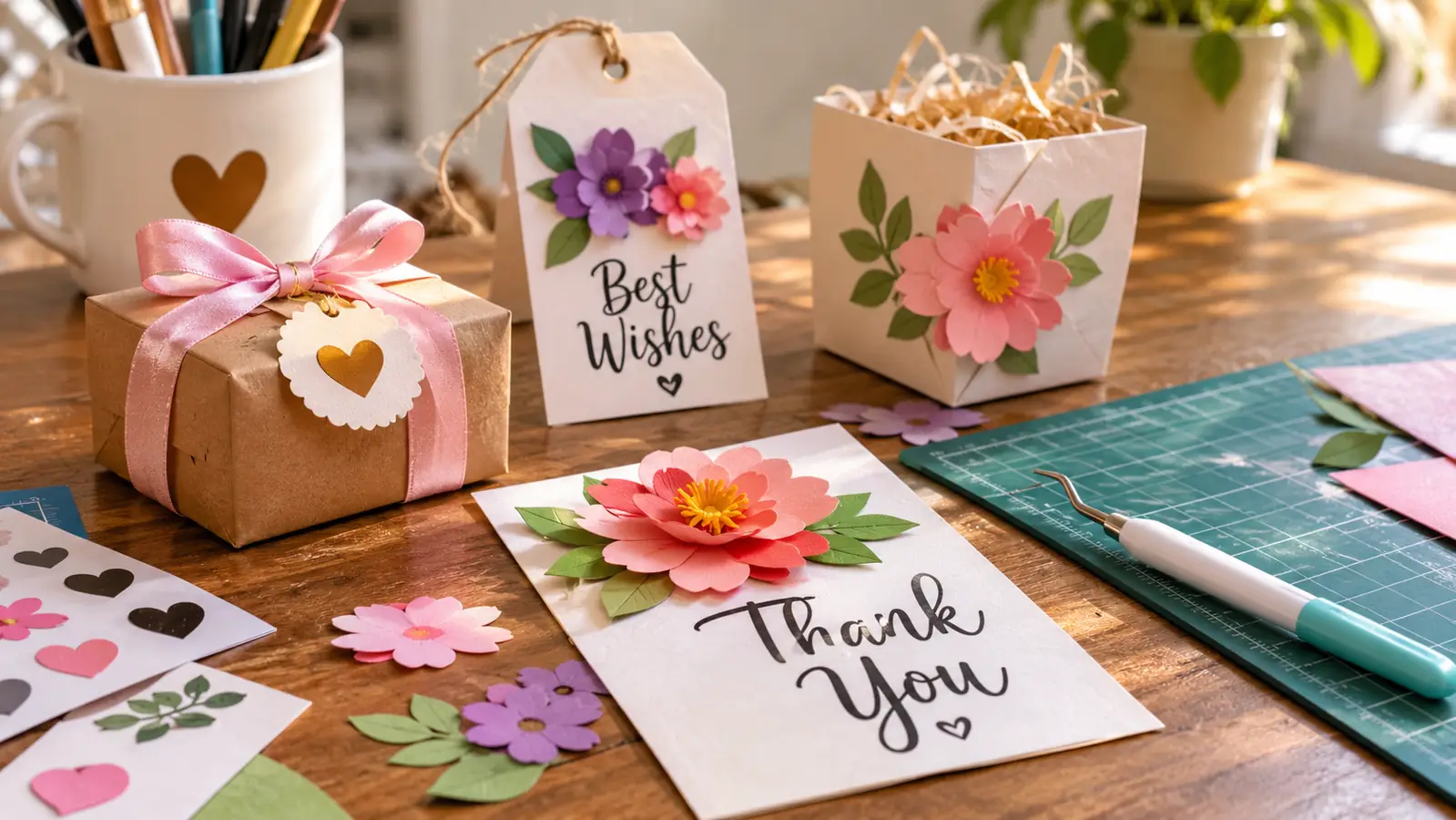
It is also for the person who is tired of buying cards at the store. I have made birthday cards, thank-you cards, and a whole set of Christmas cards with this machine, and every one of them looked like I bought it at a nice stationery shop. If you are the person in your family who makes the wreaths and the banners, this machine will pay for itself in gifts alone.
Who Should Skip It
If you plan to cut large vinyl decals for a car or big wall murals, the Cricut Joy Xtra is not the machine for you. Its active surface area is 95.94 sq in, which is perfect for trays, signs, and banners, but a full-size Cricut machine is the better choice for oversized projects. If you want a machine that cuts fabric or wood, this is also not it. It is a paper, vinyl, and iron-on machine, and it stays in its lane.
If you hate learning new software, I will be honest with you: the design app will frustrate you for the first evening. It gets better, and the 30 included digital images help, but if you are not willing to spend an evening learning, you will not enjoy this machine. And if you already own a larger cutting machine that you use regularly, the Joy Xtra is a nice second machine, not a necessary one.
Ready to fill your craft table with new projects?
The Cricut Joy Xtra is the machine I reach for every single week. Check today's price on Amazon and see if it is the right fit for your craft room.
Amazon Check Today's Price on Amazon →