
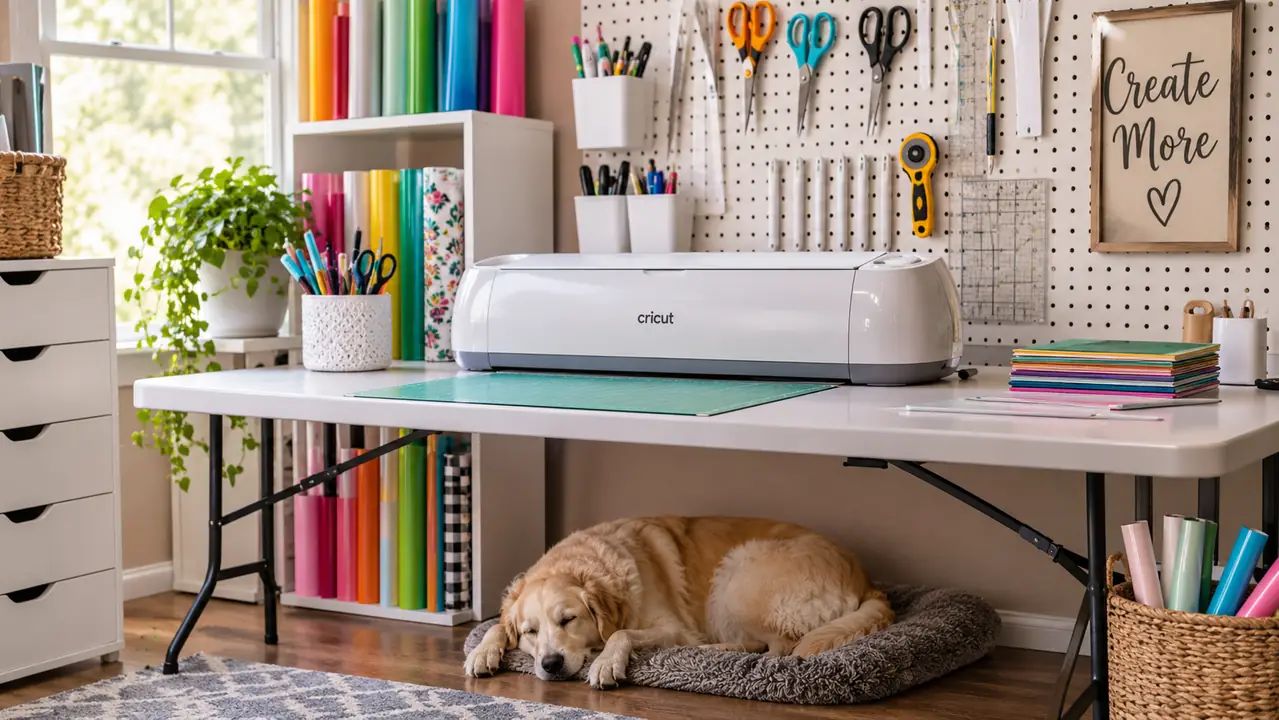
I'll be honest: I bought the Cricut Joy Xtra because I was tired of cutting the same wreath letters by hand for the church bazaar. I had a stack of vinyl, a cutting mat, and a very sore wrist. After a year of using it at my kitchen table, it has earned a permanent spot in my craft room. It is not the biggest cutting machine on the market, and it is not the cheapest, but it is the one I reach for when I want a project to actually get finished.
I'm Marlene Pike. I've been crafting for about 25 years, and I decorate my own home with what I make. This is the story of why the Cricut Joy Xtra stayed on my table when other gadgets went to the garage sale. I am not a tech person, and I do not like fighting with software. If I can figure it out, you probably can too.
The cutting machine that ended my hand-cutting days
The Cricut Joy Xtra cuts vinyl, cardstock, and iron-on in minutes. It works with the inkjet printer I already own, and it is light enough to move to a shelf. See today's price on Amazon and read what other home crafters say.
Amazon Check Today's Price on Amazon →It cuts vinyl without the hand cramps
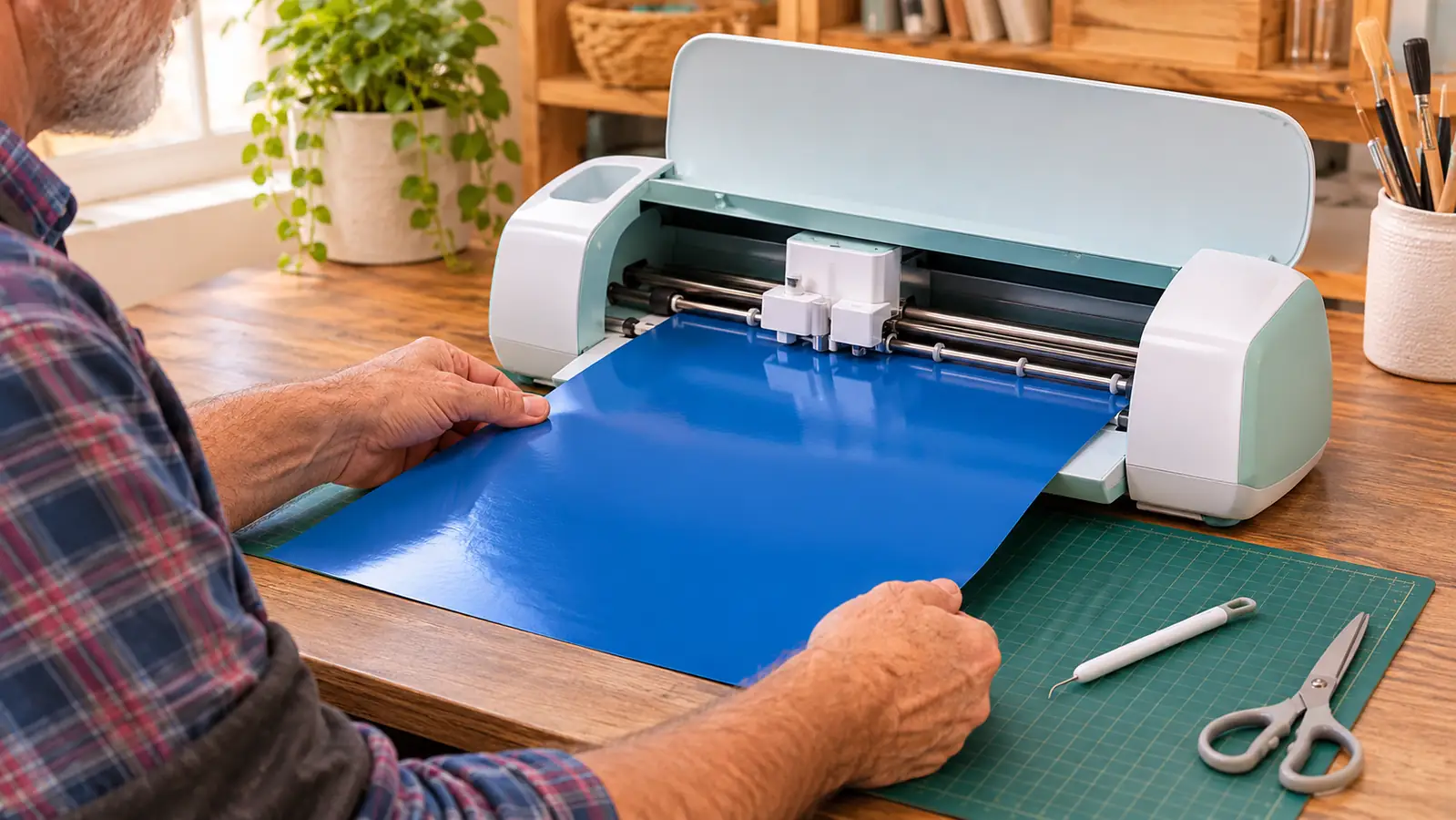
I used to trace letters onto vinyl and cut them with a craft knife until my hand gave out. The Cricut Joy Xtra cuts clean letters in a fraction of the time. It works with more than 50 materials, including vinyl, iron-on, cardstock, and stickers, so I reach for it for almost every project now. I keep a roll of vinyl on the shelf above my table, and Biscuit knows to stay clear when the machine is running, mostly because I keep the ribbon bin lidded. The first time I used it, I cut a full alphabet in about ten minutes. That sold me.
Print-Then-Cut works with the inkjet printer I already own
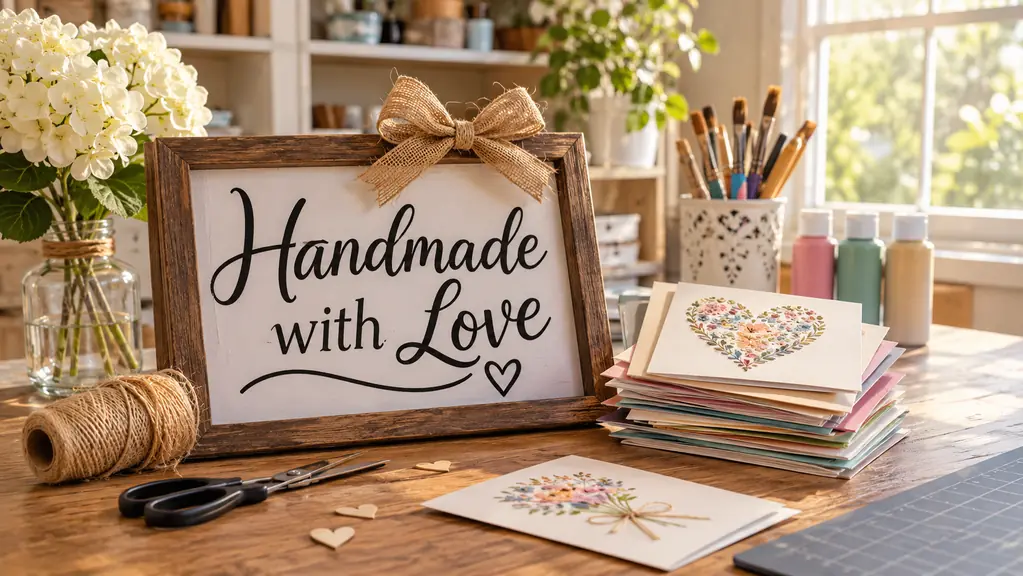
I did not need to buy a new printer. The Print-Then-Cut feature works with my inkjet printer, so I can print full-color designs for stickers and labels, then let the machine cut around them. That opened up a whole pile of projects I used to avoid, like custom labels for my homemade candles and gift tags for the bazaar. I print, the machine cuts, and I peel. It is the closest thing to a second pair of hands in my craft room. The first batch of labels took me an evening, and now I can do a dozen in under an hour.
The Fine-Point Blade makes cardstock cards look store-bought
The bundle includes a Fine-Point Blade, and it cuts cardstock cleanly for birthday cards and thank-you notes. I made a set of layered cards for my sister's birthday, and she asked where I bought them. That never happened with my scissors. The blade is easy to swap, and the machine cuts through cardstock without tearing the edges. I have made about thirty cards this year and I am still on the original blade. The Fine Point Pen that comes in the box is a bonus, because I can draw a simple outline and then cut it, which gives my cards a hand-finished look.
The Mini Weeder rescues more projects than I expected
Weeding vinyl, pulling the extra pieces away from the letters, used to be my least favorite step. The Mini Weeder that comes in the box has a pointed tip that lifts small bits without scratching the backing. It sounds small, but it saves me on every single sign. I keep it in a jar on my pegboard, and I have learned to weed before I transfer, which makes the whole job faster. The first time I used it, I was surprised how much easier it was than the dental pick I had been using. Now I would not start a project without it.
It fits my craft room without taking over the table
The machine weighs 250 grams, so I can move it to a shelf when I need the table for a big mess. The cutting area is 95.94 square inches, which is plenty for the wreath letters and signs I make. It earns its spot without making me rearrange the room. Ron built me a small shelf above the pegboard, and the machine sits there between projects, ready to come down when I am. I do not have a dedicated craft studio, just a spare bedroom, and this machine fits the way I actually work.
It works with the computer and tablet I already have
The Joy Xtra is compatible with computers, tablets, and smartphones. I design on my laptop, plug in the USB cable that comes in the box, and let it run. I don't need a separate design computer or a special setup. The operation mode is automatic, so once I send the design, I can start weeding the next piece while it works. That is the kind of simple that keeps me coming back. I have used it with my tablet, too, when I want to sit in the living room and sketch out a design before I go cut it.
The 30 bonus images gave me a head start
The bundle includes 30 premium images, which meant I wasn't staring at a blank canvas my first week. I used a few of them on gift tags and labels before I got brave enough to design my own. That head start kept me from giving up. I still go back to those images when I need a quick wreath accent or a simple monogram, and they look like something I paid for in a shop. Having those first projects turn out well is what made me trust the machine enough to try my own lettering.
Iron-on transfers made matching shirts easy
The Joy Xtra cuts iron-on HTV, so I made matching shirts for our family reunion without paying a print shop. I cut the design, weeded it, and pressed it on with a household iron. It took an afternoon and everyone wore them. I have also used iron-on for a tote bag and a few kitchen towels. The key is to mirror the design before cutting, and the machine makes that simple. I ruined one shirt learning, but the second one came out straight, and now I am the aunt who makes the reunion shirts.
The 1-year warranty made the purchase easy
The machine comes with a 1-year manufacturer warranty, and I registered mine the day it arrived. I have not needed it, but knowing it is covered helped me say yes. I keep the welcome card in my craft file with the manual. The included components list is generous, too: the Fine-Point Blade, the Fine Point Pen, the Mini Weeder, the USB cable, and the power adapter all come in the box, so I did not have to buy anything else to get started. That matters when you are on a budget.
It earns its place every December
I made most of my holiday gifts with this machine, and the bazaar table looked fuller than ever. The Joy Xtra cut tags, labels, and a few small signs that sold before lunch. For a home crafter, that kind of December is the whole point. I also used it for the names on our Advent calendar and the tags on the jam jars I gave the neighbors. It is the tool I reach for when I want something to look finished. And when the bazaar is over, it goes back on its shelf, ready for the next project.
What I'd Skip
If you only want to cut a few letters once a year, or if you expect this machine to do everything a full-size cutter does, you might be better off with something else. The Joy Xtra has a smaller cutting area than the big machines, and you still have to weed and transfer your projects yourself. It will not turn your craft corner into a production shop overnight. And if you do not enjoy the setup, the weeding, and the pressing, the machine will sit on a shelf. I would skip it if you want a tool that does the thinking for you.
I cut 14 vinyl signs in one afternoon and my wrist didn't ache once.
Ready to see if it earns a spot on your table?
The Cricut Joy Xtra is the machine I reach for most in my craft room. It works with the materials I already use, it connects to my computer, and it is light enough to move to a shelf. Check today's price on Amazon and read the reviews from other home crafters.
Amazon Check Today's Price on Amazon →